 RainDance AI
Step by step
How to make the RainDance AI trend video with your own photos
Upload two photos, check the free preview, make the full 28-second video, then add the trending sound when you post on TikTok or Reels.
Pick two photos that work well
Use one clear person or pet per image. Front-facing photos in good light work best, with the face visible and enough of the outfit showing. JPG, PNG and WEBP images up to 10MB are supported.
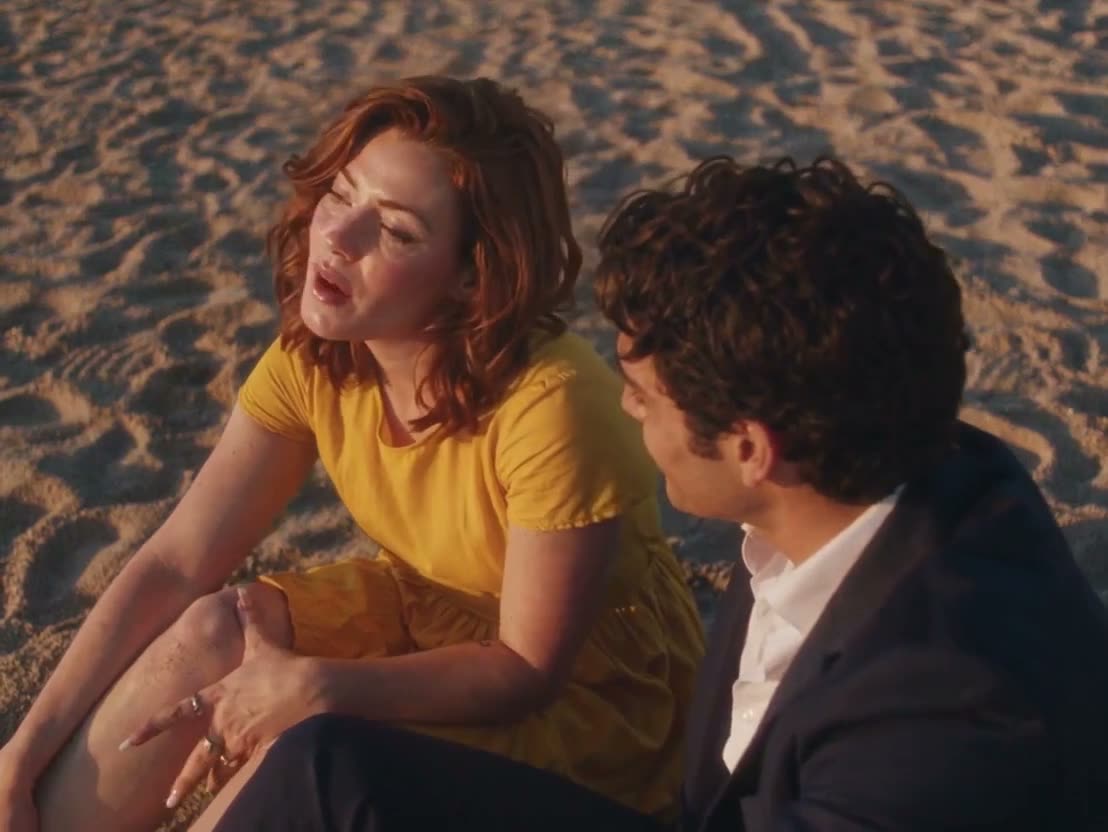
The first photo is the person on the dock. The second photo is the singer. Only use photos of yourself or adults who agreed to appear.
Quick answerUpload two photos, check the free preview, make the full 28-second video, then add the trending sound when you post on TikTok or Reels.
Questions people ask
How long is the video?
The full version is about 28 seconds. The free preview is 2 seconds.
Do I need the original song?
No. The video is silent. Add the trending sound inside TikTok or Reels when you post.
What photos should I use?
One clear, front-facing person or pet per image, in good light, with permission to use the photo.